The short answer: find K-pop pop-ups through the artist, agency or official platform notice, then verify the operating dates, exact address and reservation method before going. Seoul pop-ups are temporary, and expired pages often remain searchable. As of the August 2, 2026 check, this guide does not label any unverified August event as live.
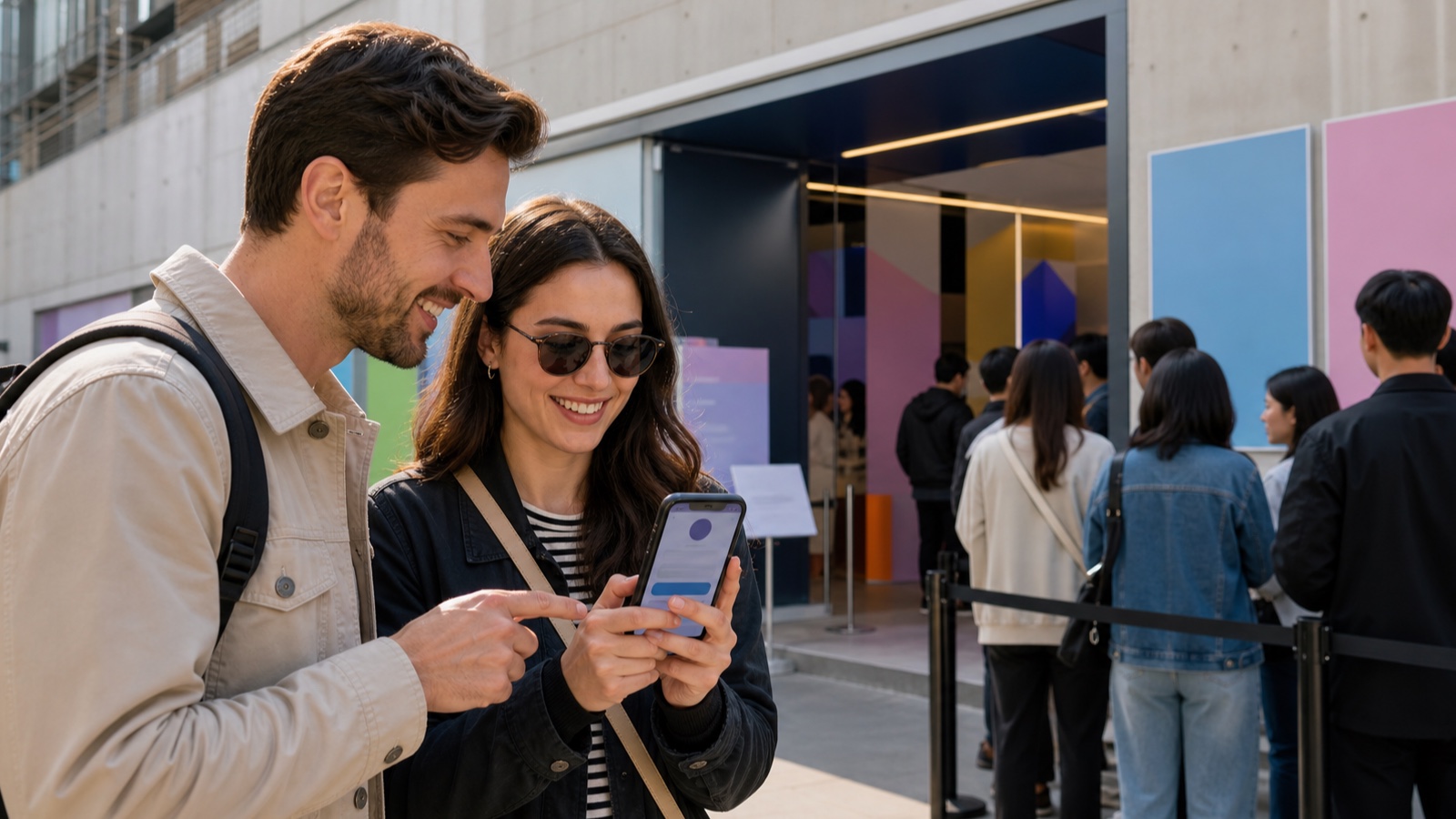
Official-notice search checked August 2, 2026 KST. No current official August Seoul pop-up was verified in this research session. The examples below are expired workflow examples and should not be visited as live events.
Use a three-source check
- Artist or agency: find the announcement on the official community, website or social account.
- Reservation platform: open the exact Weverse Spot, Naver Booking, Melon or organizer link from that announcement.
- Venue and map: compare the Korean address and event dates before saving the pin.
A fan translation can help you understand an announcement, but it should not be the only source for the reservation link. Search snippets and map listings can outlive the event. If the official page does not show a future closing date, treat the event as unverified.
What the official notice must contain
- opening and closing dates in KST;
- daily hours and any closed day;
- the full Korean street address and floor;
- advance reservation, walk-in or membership eligibility;
- the reservation opening time and account requirement;
- entry ID, QR, companion and age rules;
- purchase limits, stock warnings and payment conditions.
Save the organizer notice and the location separately. A colorful venue poster does not prove that your reservation is complete, and a reservation confirmation does not replace any physical ID required at entry.
Common reservation patterns
Expired 2026 official notices show why one generic instruction does not work. A July V8 event used advance reservation and required a live logged-in QR; screenshots were not accepted. A July CUTIE STREET event offered timed reservations and possible walk-ins subject to capacity. A May LE SSERAFIM event was reservation based, while another artist’s April event reserved only some periods for members.
These examples have ended. They demonstrate the process only. Do not reuse their address, QR, hours or entry rule for another pop-up, even when it is held by the same company.
Prepare the account before the reservation opens. Keep the name format consistent with the platform’s verification, convert the opening time to your location, and read whether one reservation admits one person or a party. The Seongsu pop-up reservation guide covers Korean-phone and account barriers in more detail.
Set a simple monitoring routine
For an artist you follow, check the official community notice feed, agency announcement page and official shop once or twice a week around a comeback or Seoul concert. Save the announcement date, reservation opening time and event closing date in one calendar entry. This catches the short booking window without relying on constant fan-account alerts.
Ignore direct messages offering a “private reservation link,” paid queue position or transferable QR. Open the platform from the organizer’s notice in a fresh tab. If the domain, account requirement or event dates do not match, stop before entering identity or payment information.
Use Seoul areas as search hubs, not proof
Seongsu, Yongsan, Hongdae and major department stores host temporary entertainment events, but an area is not a schedule. Use these map pins only to understand the neighborhood after an official address is announced.
Once you have the official address, paste the Korean address into Google Maps to save the destination, then cross-check the transit route in a Korean map app. A generic “Seongsu pop-up” search can send you to an old venue or a different event in the same building.
Multi-floor department stores and temporary venues can share one street address. Record the floor, entrance and event name from the notice, and take a screenshot of those instructions rather than only the map pin. Follow current building signs if the organizer changes the queue location.
On the visit day
- Reopen the organizer notice for delays, sold-out items or changed entry rules.
- Sign in before reaching the door and keep the live reservation screen available.
- Bring the exact physical ID listed by the notice when required.
- Arrive within the permitted window; a reservation may not protect a late arrival.
- Keep the QR private and inspect products before leaving if exchanges are time-limited.
Plan a nearby alternative so the trip still works if entry is delayed or stock sells out. The official K-pop merchandise guide is scheduled before this article and offers stable store options once it is public. The Seoul map-app guide helps confirm the route.
Frequently asked questions
Can I enter a pop-up without a reservation?
Only if the current official notice allows walk-ins. Some events are reservation-only; others accept walk-ins only when capacity remains.
Can I use a screenshot of the QR?
Do not assume so. A past official notice specifically required the live logged-in QR. Follow the rule for the current event and never share the code.
Are pop-up items guaranteed in my time slot?
No. Entry and merchandise stock are separate. Purchase limits and sold-out products can change during the event.
Why is there no August list here?
No current official August Seoul event met the date, location and admission verification standard during the August 2 check. The page will not recycle expired listings.